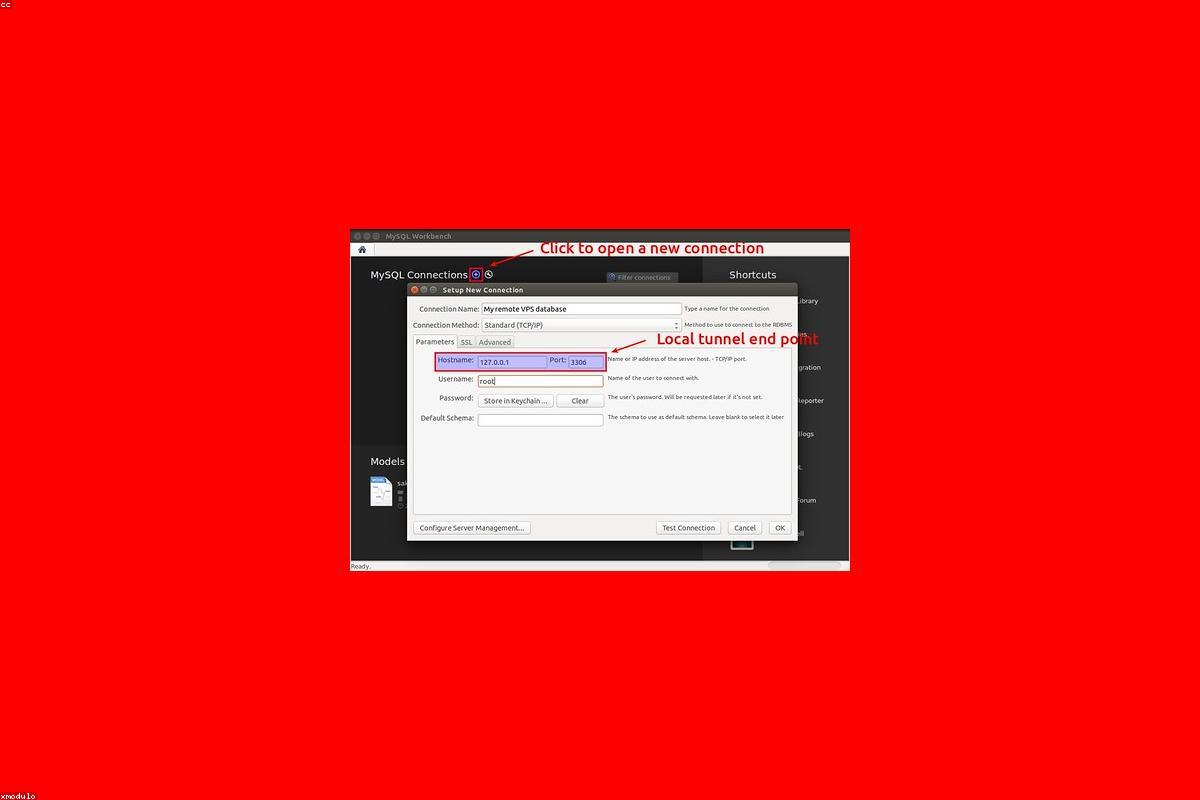

WordPress Search and Replace: Moving URLs Safely
Why running a raw MySQL query to update URLs destroys custom themes, and how to properly migrate strings using serialized data handlers.

Practical website operations
Step-by-step WordPress, WooCommerce, hosting, DNS, security, performance, and migration guidance written for people responsible for real websites.
Showing all 50 guides.
Why running a raw MySQL query to update URLs destroys custom themes, and how to properly migrate strings using serialized data handlers.

A structured process for evaluating every plugin on your WordPress site to identify security risks, performance drag, and functional redundancy.
Improve WordPress landing-page performance by prioritizing the critical rendering path, media, fonts, third-party scripts, caching, and conversion functionality.
The operational difference between paying for proactive support vs paying a freelancer hourly, prioritizing institutional knowledge.
How to stop automated form spam without requiring your real customers to endure visual puzzle captchas.
An honest look at what WordPress malware monitoring actually does, the difference between scanning and removal, and setting the right security expectations.
Learn when WP-CLI is the safest and fastest tool for WordPress maintenance, troubleshooting, search-replace operations, updates, and repeatable checks.
A practical guide for agencies prioritizing WordPress Core Web Vitals work using field data, representative templates, and measurable bottlenecks.
Running an outdated PHP version makes WordPress slower and vulnerable. Here is how to test and upgrade your PHP engine without crashing the site.
How to hire a WordPress maintenance partner who actually understands your tech stack instead of just clicking 'Update All' and sending automated PDF reports.
How to audit your WordPress media library, remove unused files safely, and prevent the uploads folder from consuming your entire hosting allocation.
Collect the affected URL, expected result, reproduction steps, screenshots, recent changes, environment details, and logs before debugging WordPress.
Why your team keeps submitting the same WordPress support tickets over and over, and how to fix the root UX problems inside the dashboard.
Membership platforms like MemberPress and LearnDash require specialized maintenance routines that go far beyond standard blog upkeep.
Recognize when recurring failures, risky updates, unclear ownership, weak recovery plans, or growing complexity justify proactive WordPress support.
The three most common mistakes teams make when syncing staging environments to production, and how to avoid overwriting live customer data.
Why your scheduled WordPress posts publish late, backup jobs skip silently, and email campaigns never fire — and how to fix the unreliable wp-cron system.
A practical guide for agencies structuring WordPress maintenance pricing around scope, risk, response expectations, included work, and client communication.
How to spot when admin-ajax is causing unnecessary load, which features are usually responsible, and how to reclaim your server's CPU.
How script growth, media weight, plugin drift, and database bloat quietly turn previously fast WordPress websites into bloated environments.
Most businesses have backups. Very few have ever tested a restore. Here is why your backup strategy is meaningless until you prove it works under pressure.
Learn how agencies can write useful monthly WordPress maintenance reports that explain completed work, current risks, and decisions clients need to make.
The 8 critical checks you must run after migrating a WordPress site to a new server, before you flip the DNS and let real traffic in.
It's easy to get lost in Google Search Console. Here are the three practical reports you should actually care about to maintain WordPress SEO health.
A practical way to debug WooCommerce payment gateway issues after updates without guessing and without risking more order loss.
What high Time to First Byte usually means on a WordPress site, and how to definitively diagnose whether the delay sits in code, queries, or server behavior.
A safer WooCommerce update process for stores where checkout stability matters more than update speed alone.
Use this technical SEO checklist during a WordPress redesign to protect important URLs, redirects, canonicals, metadata, structured data, and crawlability.
Not every plugin deserves to stay installed. Here is how to identify dead weight, safely remove it, and clean up the database traces it leaves behind.
How to fix mixed content warnings by addressing insecure references directly, rather than piling on aggressive forced redirects and breaking server logic.
Understand what basic uptime checks miss and how to monitor important WordPress journeys, response quality, certificates, scheduled tasks, and alerts.
A practical guide to understanding WordPress caching layers. Stop stacking generic plugins blindly and start constructing a cleaner web performance setup.
A practical guide to pruning your WordPress database without accidentally deleting live orders, active sessions, or critical plugin data.
Learn how analytics, chat widgets, heatmaps, and advertising scripts affect WordPress Core Web Vitals, and how to measure and reduce their impact.
A practical first-response guide for WooCommerce checkout issues that affect orders, payments, and store trust.
Backup frequency depends on how often your content changes and how much data you can afford to lose. Here is how to decide the right schedule.
Diagnose common WordPress indexing issues involving robots directives, canonical URLs, sitemaps, internal links, rendering, content quality, and crawl timing.
A cleaner, safer process for debugging WordPress plugin conflicts efficiently without turning the live site into a chaotic test lab.
A practical image optimization guide for WordPress sites that want significantly faster pages without wrecking the editorial workflow or diminishing brand quality.
The case for testing every WordPress update on a staging environment first, especially when revenue depends on the checkout staying alive.
Why themes should handle design and plugins should handle functionality, protecting your content from extreme lock-in.
A practical WordPress security hardening checklist that stops the most common automated attacks without breaking your site or alienating your marketing team.
Why slow admin screens usually point to deeper background constraints, plugin overhead, or database strain that will eventually impact your live frontend.
Recover from a WordPress white screen by preserving evidence, enabling safe diagnostics, checking fatal errors, isolating the cause, and verifying the repair.
Separate WordPress form-submission failures from email-delivery problems by checking validation, storage, application logs, SMTP authentication, and DNS.
The quality assurance checklist every agency should run before handing a WordPress site to a client, covering functionality, performance, and SEO readiness.

Why updates fail after code, cache, theme, and database assumptions drift apart over time, and how to lower the blast radius proactively.

A quick but disciplined verification checklist to run immediately after updating WordPress core, themes, or plugins on a production site.
A practical WordPress maintenance checklist for agencies managing updates, backups, security reviews, reporting, and client handoffs across multiple sites.
An honest breakdown of WordPress maintenance pricing, what you actually get for $50 vs $500 a month, and how to choose the right care plan for your business.
Need the problem handled?
Send the site URL and the outcome you need. Dev Circle provides both monthly care and one-time technical help.